Your booking system knows who the customer is. So does your accounts package. Someone types the details into both.
“Can’t we just connect them?” is a fair question. Often the answer is yes. But a connection is not a cable you plug in once. It is a small piece of machinery that needs designing and looking after.
Here is what is involved, so you can have a better conversation with whoever does the work.
Three ways systems get connected
Export and import. One system produces a file, usually a spreadsheet, and the other reads it in. Someone does this by hand, daily or weekly. It is not elegant, but it is cheap, easy to understand and often good enough.
A built-in connection. Some products link directly to other popular products. Check what the connection supports, who maintains it and what happens if it fails. Where one exists for your pair of systems, start here.
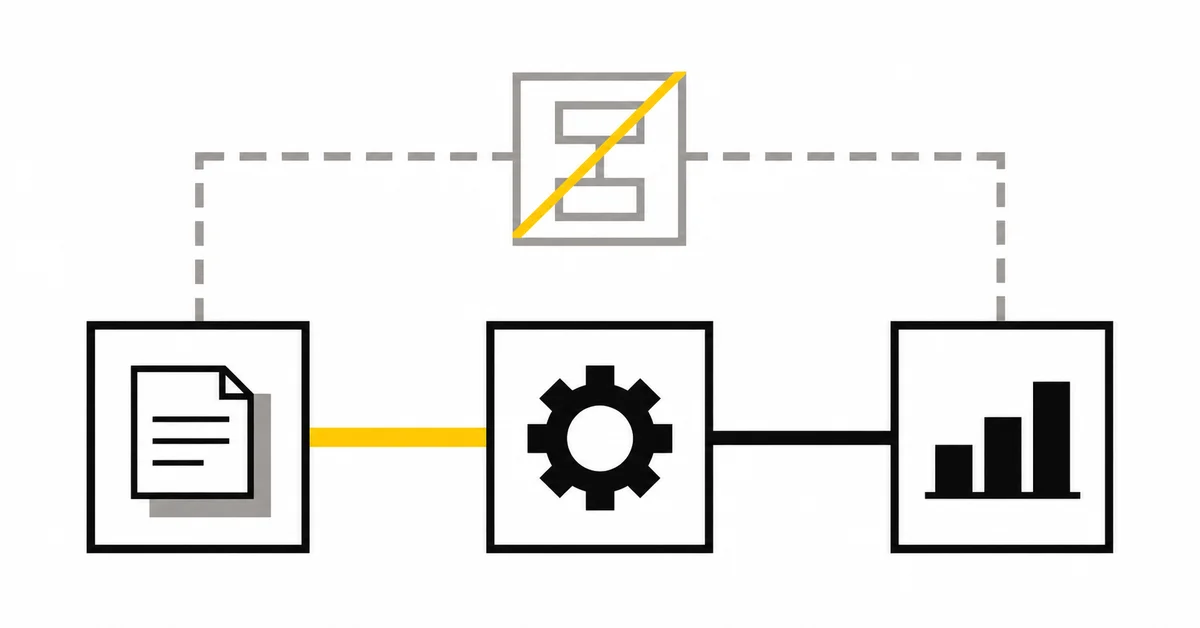
A custom connection. Some systems have an API. That is a controlled way for one piece of software to ask another for information, or to send it some. A developer, or an automation tool, uses the APIs of both systems to pass data between them. This is the most flexible route and the one that needs the most care.
Before paying for the third, check properly whether the first or second would do.
Questions to answer first
Whoever builds the connection will need these answered. Thinking about them early saves a lot of rework.
Which system is in charge? If a customer’s address is different in each, which one is right? Decide which system owns each piece of information. Without that, conflicting information can be copied or overwritten.
Which way does it flow? One direction is far simpler than two. Start with one if you can.
What triggers it? Does it run when something changes, or on a schedule? Does it need to be instant, or is overnight fine? A scheduled transfer may be simpler than an instant one, depending on the systems and what the job needs.
How do records match? How does one system know that “J Smith Ltd” is the same as “John Smith Limited” in the other? You need a shared reference, such as a customer number. If your data does not have one, tidying that up comes first.
What about the awkward cases? A record with a missing field. A customer deleted in one place. A refund. The unusual cases are where most of the effort goes.
Connections break
This is the part that surprises people. A connection that works today can stop without anyone touching it.
- A vendor changes their system and the connection no longer fits.
- A password or access key expires.
- Someone enters data in a way nobody expected.
- One system is briefly unavailable and a batch of records is missed.
None of this is unusual. What matters is whether you find out. A connection that fails silently is worse than no connection, because people have stopped checking by hand.
So ask, before anything is built:
- How will we know it has failed? There should be an alert to a real person.
- What happens to the records that were missed? Can they be sent again?
- Who fixes it? A named person or company, and an idea of how quickly.
- Is it written down? What it does, where it runs and how to get in.
What it costs
There are three costs, and quotes often cover only the first.
- Building it.
- Running it. Some automation tools charge by the number of records or steps. Some systems charge extra for API access.
- Maintaining it. Changes when either system changes, and fixing it when it breaks.
Ask for all three.
Before you commission one
Look at the process first. If the same details are being typed into two systems, find out why. Sometimes the better answer is to stop using one of them for that job.
And tidy the data. A connection moves information faster. It does not make it more accurate.
If the connection still makes sense after that, you will be able to describe exactly what you need. That is the best protection against paying for something that does the wrong thing.