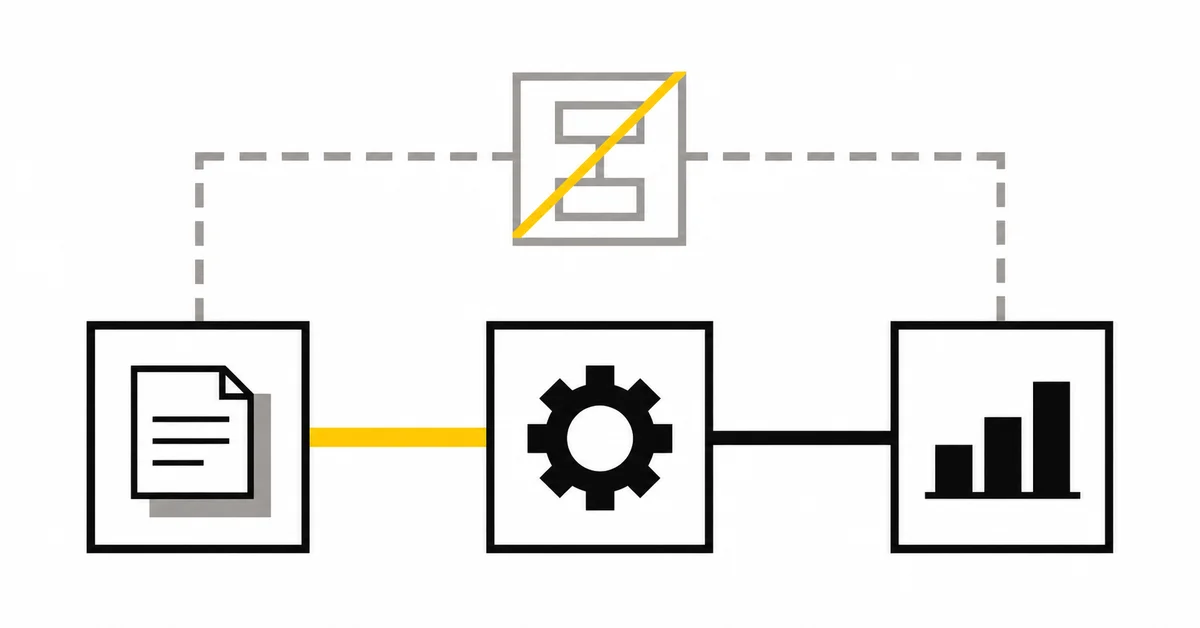
Small automations are easy to make now. A rule that files incoming emails. A flow that copies a form response into a spreadsheet. A script that sends a reminder on Fridays.
They save real time. They also pile up. Each one is built by whoever had the idea, in whichever tool was to hand, under their own account. A year later the business depends on a dozen of them and nobody has a list.
Then one stops, and no one notices for a month.
The fix is not to stop automating. It is to give every automation the same few basics.
Before you build
Is the task worth keeping? Automating a step that should not exist just makes a pointless thing happen faster. Simplify first.
Is it stable? If the task changes every few weeks, the automation will be rebuilt every few weeks. Wait until it settles.
Is it clear what “right” looks like? If a person doing the task has to use judgement each time, it is not ready to be automated end to end. Automate the fetching and the formatting, and leave the decision with the person.
Six things every automation needs
1. An owner
A named person who knows it exists and will notice if it stops. Not the person who built it, unless they are also the one who relies on it.
2. A proper home
Automations built under a personal account stop when that person leaves or their password changes. Where the tool allows, use a business-managed service identity with only the access it needs. Assign an owner, protect its credentials and avoid shared passwords where possible.
3. A way of telling you it has failed
By default, most automations fail quietly. Set up a notification to the owner when a run fails. For anything important, also add a simple check that it ran at all: a weekly count, or a line in a log.
4. A note
Five lines is enough:
- what it does, in plain words
- what starts it
- which systems and accounts it touches
- where to find it
- who owns it, and the date it was last changed
Keep all of these notes in one list. That list is the first thing you will want when something goes wrong.
5. A manual fallback
If it stopped tomorrow, could someone do the task by hand? They need to know how, and they need access. An automation that nobody could cover for is a risk, however well it runs.
6. An off switch
Someone other than the builder should know how to pause it. An automation sending the wrong email to every customer needs stopping in minutes.
Test it with the awkward cases
Most automations are tested with one tidy example. Real data is not tidy. Before relying on it, try:
- a record with a field left blank
- a name with an apostrophe or an accent
- the same thing submitted twice
- a very long entry
- nothing at all for a day
Run it alongside the manual process for a week or two and compare the results. Prevent test runs from sending duplicate messages or changing live records. Switch over once they match.
Once it is running
Look at it after a month. Is it doing what was intended? Has anyone built a workaround for the bits it gets wrong?
Review the list twice a year. Go through every automation and ask whether it is still needed. Switch off the ones that are not. Old automations acting on live data are a common source of strange problems.
Check them when things change. A new system, a renamed folder, a changed form, a leaver. Any of these can break an automation that was working. Add “check automations” to your leavers checklist.
When to ask for help
A reminder email is a fine thing to build yourself. Something that moves money, changes customer records or sends messages to customers deserves more care. So does anything connecting two systems that the business relies on.
The six basics still apply. The difference is how much testing sits behind them, and whether someone is on hand when it breaks.