Some disappointing software projects start the same way. The customer described what they wanted in words. The developer built what they understood. The two were not the same, and nobody found out until it was finished.
Words are a poor way to describe a screen. “A job list with filters” means one thing to you and another to the person building it.
A sketch closes that gap. It does not need to be good. It needs to exist before the money is spent.
What a sketch is for
It forces decisions. You cannot draw a form without deciding what goes on it. Writing “customer details” is easy. Drawing the boxes makes you choose: phone number or two? Is the email required?
It gets everyone looking at the same thing. Staff who would never read a specification will happily tell you what is wrong with a picture.
It makes quotes comparable. Shared sketches give suppliers a clearer starting point, though quotes still depend on the underlying requirements, integrations and support.
It tests products too. If you are buying software, your sketch of the ideal screen is a quick way to judge how close each product comes.
What to sketch
Not everything. Pick the handful of screens that carry the work:
- the one people will have open all day
- the one where information is first entered
- the one the owner looks at to see how things are going
- anything a customer will see
Four to six is usually enough. For each, write one line underneath: who uses this, and what are they trying to do?
Three ways to make one
Pen and paper. Still the fastest. Draw the boxes, label them, photograph the page. Nobody will mistake it for a finished design, which is an advantage.
Slides or a document. Rectangles and text boxes in PowerPoint or Google Slides. Easy to rearrange and share.
An AI design tool. These now turn a description into a realistic-looking screen in a minute or two. Claude has a design feature that does this, and there are others, including tools built into design products such as Figma and Canva. You describe the screen, look at the result, and ask for changes in plain language.
This third route is useful when you find a blank page hard, or want to compare a few layouts quickly. Features and plans for these tools change often, so check what is included in whatever you already pay for.
A caution about polished mock-ups
AI tools produce sketches that look finished. That creates two problems.
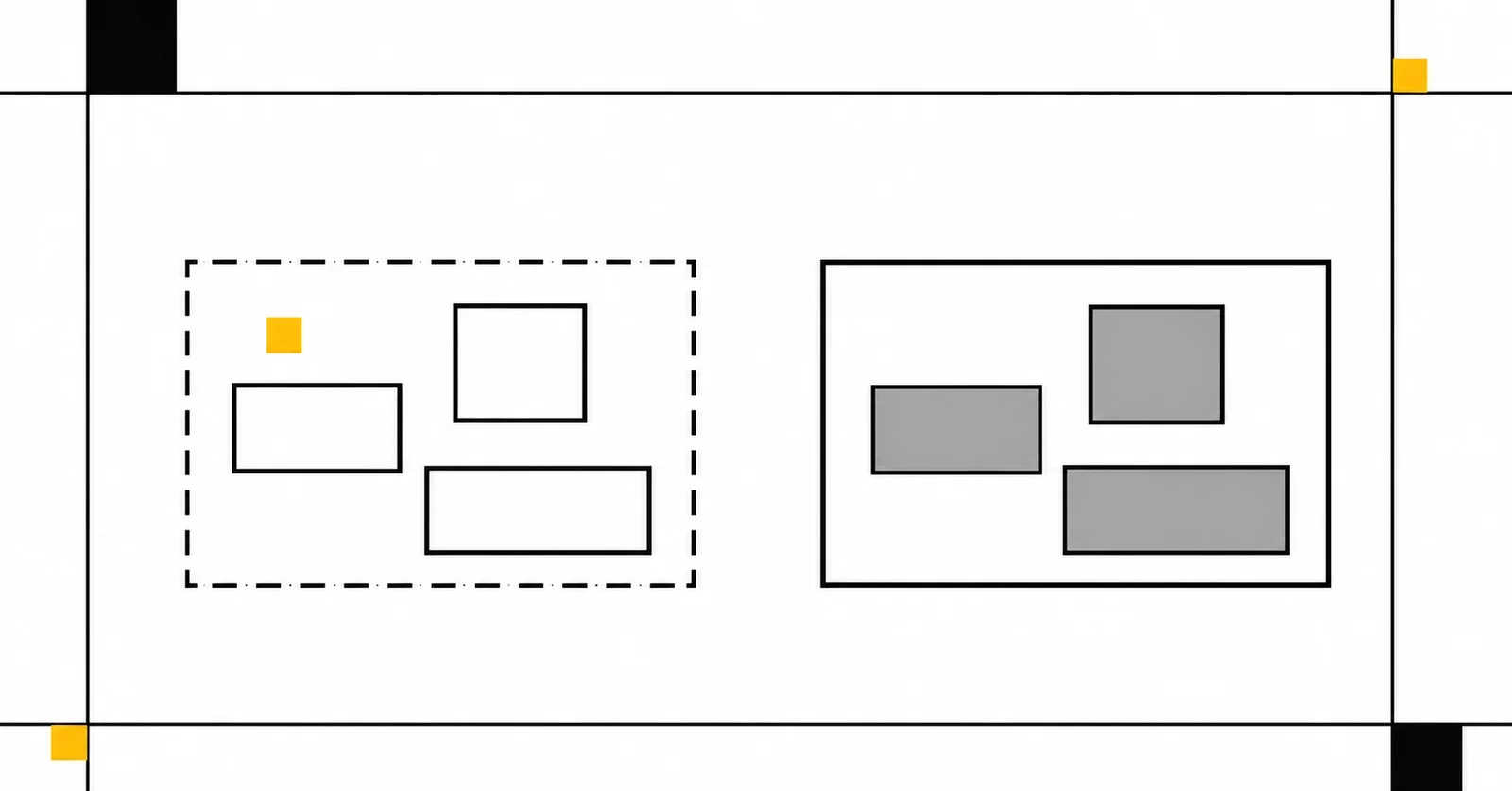
People react to the surface. Show someone a polished screen and they will comment on the colours. Show them a rough one and they will tell you a field is missing. Early on, you want the second kind of feedback. Say clearly that it is a sketch, or ask the tool for a plain, wireframe style.
It looks more done than it is. A picture of a screen has no data behind it, no logins, no rules, no connection to your accounts system. The mock-up might take five minutes. The working version is still a real piece of work. Do not let a convincing image set your expectations on cost or time.
One more point. If you use an AI tool, describe the screen with made-up examples. Do not paste in real customer records. Your AI use policy should cover this.
Test it with the people who do the job
Put the sketches in front of two or three people who will use the system. Ask them to talk through a real task from last week, pointing at where they would click.
Listen for:
- “Where would I put…?” Something is missing.
- “We never use that.” Something can go.
- “It depends.” There is a rule or an exception you have not captured.
Change the sketch and show it again. Each round takes minutes. The same change can be more expensive once software has been built.
What to hand over
Give the developer, or take to the product demo:
- the sketches, numbered
- one line under each: who uses it and why
- a short list of rules. “A job cannot be closed without a completion date.”
- a list of what it must connect to
- what you have left out on purpose
Be clear that the sketch shows what is needed, not how it must look. A good developer or designer will improve on your layout. Let them.
Where this fits
Sketching comes after you understand the work and before you commit to a route. If you have not yet followed a job through the business, do that first. If you are still weighing up the options, Improve, buy or build? will help.
A rough sketch can expose misunderstandings while they are still inexpensive to fix.