Most businesses buy software one problem at a time. A tool for quotes. Another for scheduling. A third because someone saw it at a trade show. Each made sense on the day.
A few years on, there is a monthly bill for a dozen products, and nobody could tell you how much of each one is used.
What the evidence says
It’s tempting to put a figure on how much software goes unused, but the answer depends on the business and the job. A rarely used feature might still be essential at year end or when something goes wrong.
Pendo’s 2019 research found that many features attracted little use across a sample of its customers’ software products. That is not a measure of what your business needs. A Sage survey of UK small businesses also describes time spent moving information between tools. Both companies sell software, and neither study can tell you what you would save. The useful place to start is with your own bills and the people doing the work.
Three kinds of waste
Seats nobody sits in. Licences for people who have left, changed role or never took to the tool.
Features nobody opens. You cannot buy half a product. You may be on a higher tier for one feature, or paying for a large system to use its simplest part.
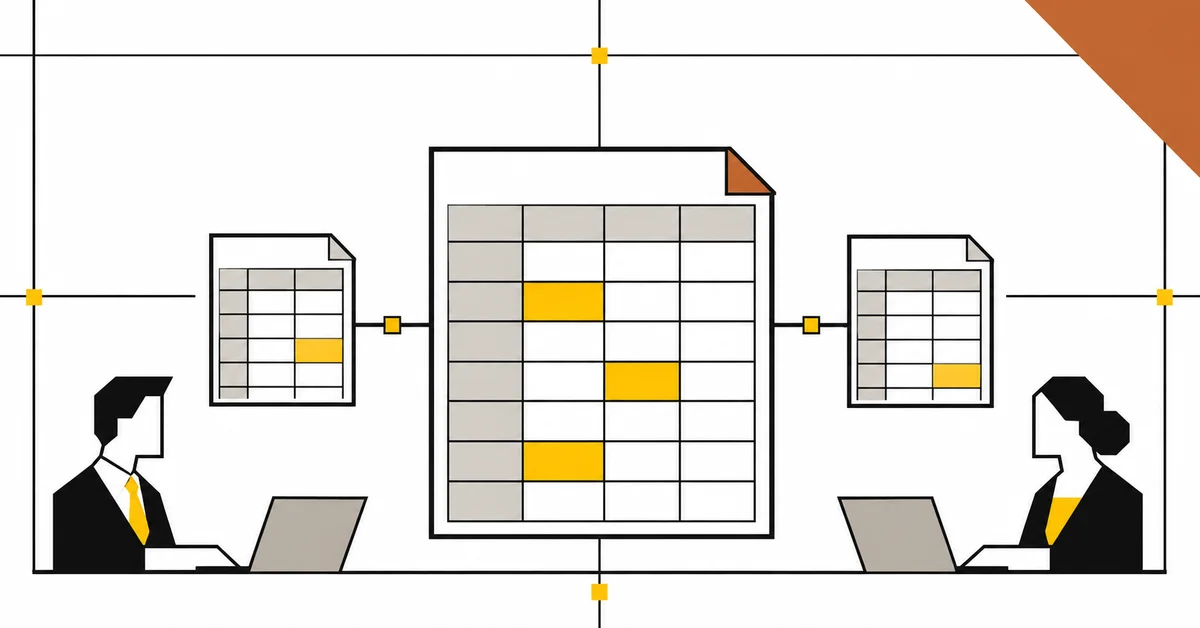
The work between the tools. This can be costly, but it never appears on an invoice. When five products do not talk to each other, a person becomes the connection: copying, checking, chasing. See Where does your team type the same thing twice?
Step 1: find out what you have
Give it an hour. Go through twelve months of bank and card statements and list every software charge. Then add what is paid annually, and what staff claim on expenses.
For each one, write down:
- what it is and what it is for
- what it costs per year
- how many licences, and who actually uses them
- when it renews, and how much notice you must give
- who in the business owns it
The last column is often blank. That tells you something.
Expect surprises. Free trials that became subscriptions. Two teams paying for different tools that do the same job. Something a former employee set up on a card that is still being charged.
Step 2: cut the obvious
Before thinking about anything clever:
- Remove unused licences. Tie this to your leavers routine so it stays done.
- Review what nobody seems to use. Ask the people who know the process, and check for scheduled jobs, integrations and records you need to keep before cancelling.
- Drop a tier. Check what the cheaper plan lacks. Often it is something you never used.
- Check what you already own. Microsoft 365 and Google Workspace include forms, shared lists, task boards, booking pages, video calls and more, depending on your plan. Businesses often pay separately for a tool that duplicates one of these.
- Look at how you pay. Annual billing can be cheaper than monthly, but check the commitment and renewal terms first.
Even if you change nothing, you will have a clearer picture of what you are paying for.
Step 3: consolidate
Next, look for overlap. Do you have two places where customer details live? Three ways to send a document for signature? A project tool, a task tool and a shared spreadsheet all tracking the same jobs?
Fewer tools can mean fewer bills and logins to secure, fewer places for information to disagree, and less for a new starter to learn. Check the cost and effort of moving before you commit.
There is a trade-off. A product that does everything rarely does each thing as well as a specialist. And the more you put in one supplier’s hands, the harder it is to leave. Before you move, check how you would get your data out.
Step 4: tailor where it counts
After cutting and consolidating, you are left with the tools that matter. Now a different question is worth asking: is any of this a poor fit for how we actually work?
Bought software is built for the average customer. Where your process is ordinary, that is exactly what you want. Where it is distinctive, you end up bending the business around the product, or paying for a large system and working around most of it.
A small custom tool or integration may be worth considering when it removes a persistent problem. AI-assisted development can speed up parts of the work, but the cost still depends on what needs building, testing and supporting. Compare it with improving what you already have or buying a better-fitting product.
Where tailored tends to pay
- The gap between two tools. A small connection that removes daily re-typing. See Connecting two systems.
- One feature you bought a whole product for. If you pay for a large system to use one screen, a small tool may do that one thing better.
- The process that is yours. How you quote, schedule or price, where no product fits and it is part of why customers choose you.
- A spreadsheet that has become a system. See From spreadsheet to app.
Where it does not
- Accounts, payroll, email, payments. The rules change, the stakes are high, and specialists keep up so you do not have to.
- Anything regulated or safety-related, unless you have proper expertise.
- Anything nobody will own. A tool without a named person looking after it will fail quietly.
A test before replacing anything
A bought tool is a reasonable candidate for replacement when the job it does is:
- narrow. One clear task, not a whole department.
- yours. Specific enough that the product never quite fitted.
- easy to check. You would notice quickly if it went wrong.
- cheap to repair. A day without it would be an inconvenience, not a crisis.
These are useful signs, not strict rules. If the job is critical or complicated, get advice and compare the risks and costs before replacing an established product.
Count the whole cost
A subscription has a visible price. Something you own has a hidden one: hosting, security updates, changes when the business changes, and someone to call when it breaks. Ask for those figures alongside any quote, and compare over three years, not one month.
Also make sure you would own what is built. Your developer mentioned GitHub explains what to ask for.
Do it in order, and do not rush
- Audit.
- Cut.
- Consolidate.
- Only then, tailor.
Skipping to step four is how businesses end up with a custom tool on top of the same sprawl.
When you replace something, export and check the data you need, including any records you must retain. Test the new setup carefully before switching; avoid duplicating live payments or other irreversible actions. Check the notice period and cancel only when you are ready.
Put a date in the diary
Software creeps back. Repeat the one-hour audit every year, a month or two before your biggest renewals. It gives you a chance to spot changes before subscriptions renew.