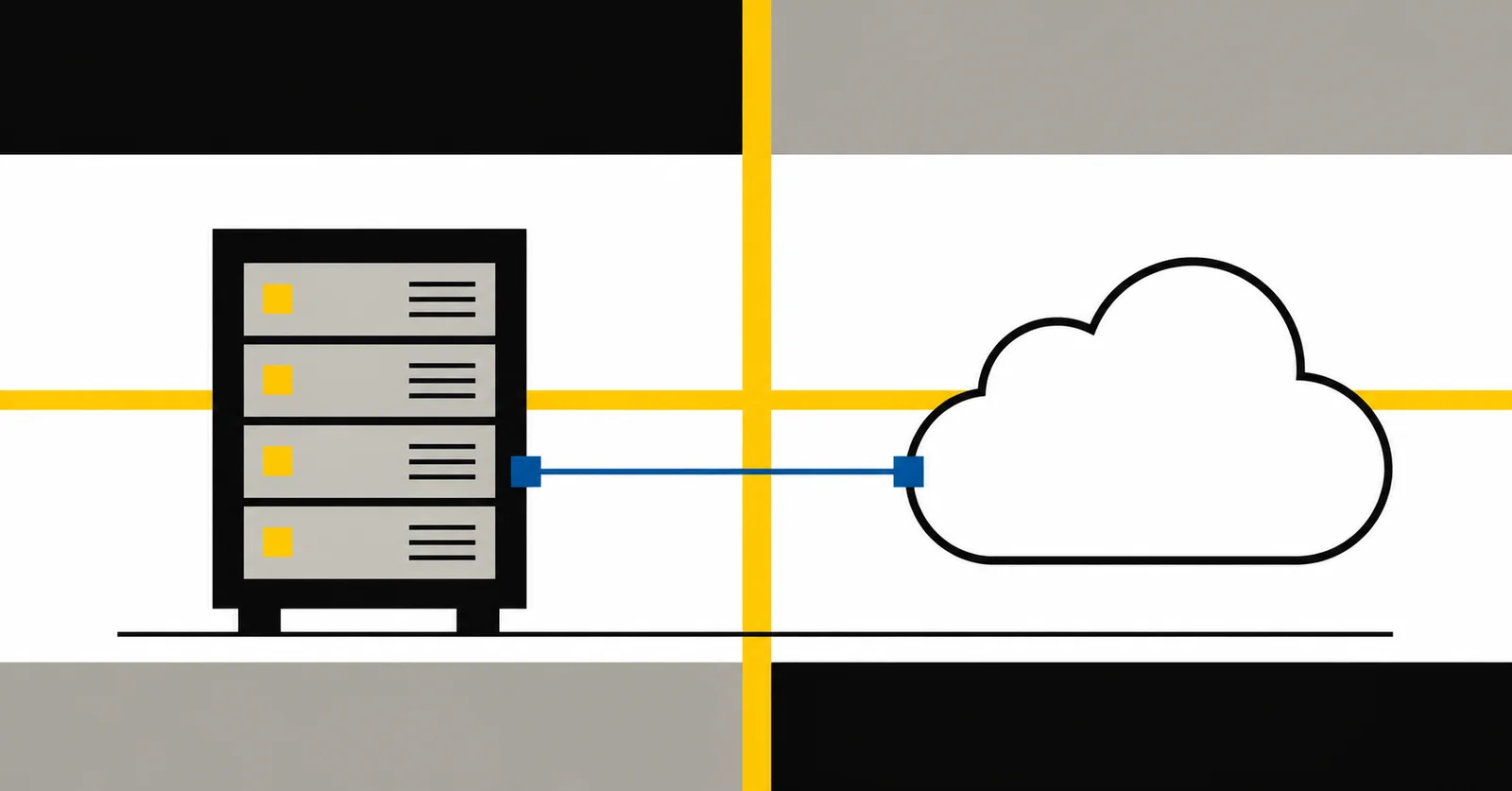
Some businesses run software on a server in their building. Others use services hosted elsewhere. Many use both.
Before moving a system—or buying a new one—look at what your team needs from it and what happens if it becomes unavailable.
Follow the work
Ask who uses the system, where they work and what other equipment or services it needs. A workshop system connected to machinery may have different requirements from a set of files used by staff in several locations.
Consider the connection as well. If the internet goes down, can the team keep working? If not, how long can the business manage without the system? The answers will help you decide what needs a fallback.
Check who is responsible for what
A server on your premises gives you direct control over the equipment and local network. Someone also needs to maintain, secure and eventually replace it.
With a cloud service, the provider takes on some responsibilities, but your business still needs to understand its part. Check the service agreement: who manages user access, updates, backups and recovery? What support is available, and how would you get your data back if you moved to another supplier?
Compare the costs over time, including subscriptions, equipment, support, connectivity and migration. The cheapest option to start may not be the cheapest to run.
Test how you would recover
List the information the business needs to get going again, who can restore it and how long recovery might take. Test a restore; a successful-looking backup notification does not tell you whether the information is usable. Start with one file restored to a separate location.
The National Cyber Security Centre’s guidance for small organisations explains why you should check backup arrangements even when information is stored in a cloud service.
A mixed setup may suit your business: a local system for equipment on site and hosted tools for collaboration, for example. Choose based on the work, the people looking after it and a recovery plan you have checked.